Reporting System of Quran Memorization
Provide reporting system from the school to the parents about the student's progress in memorizing the holy quran. Leveraging the research results for creating an interactive mobile view prototype.
Darul Quran is one of the best islamic boarding school in Indonesia. I've been graduated from high school there and want to contribute creating a reporting system for the school. This application design was concept for the final thesis bachelor degree of my study in University.
4 Months

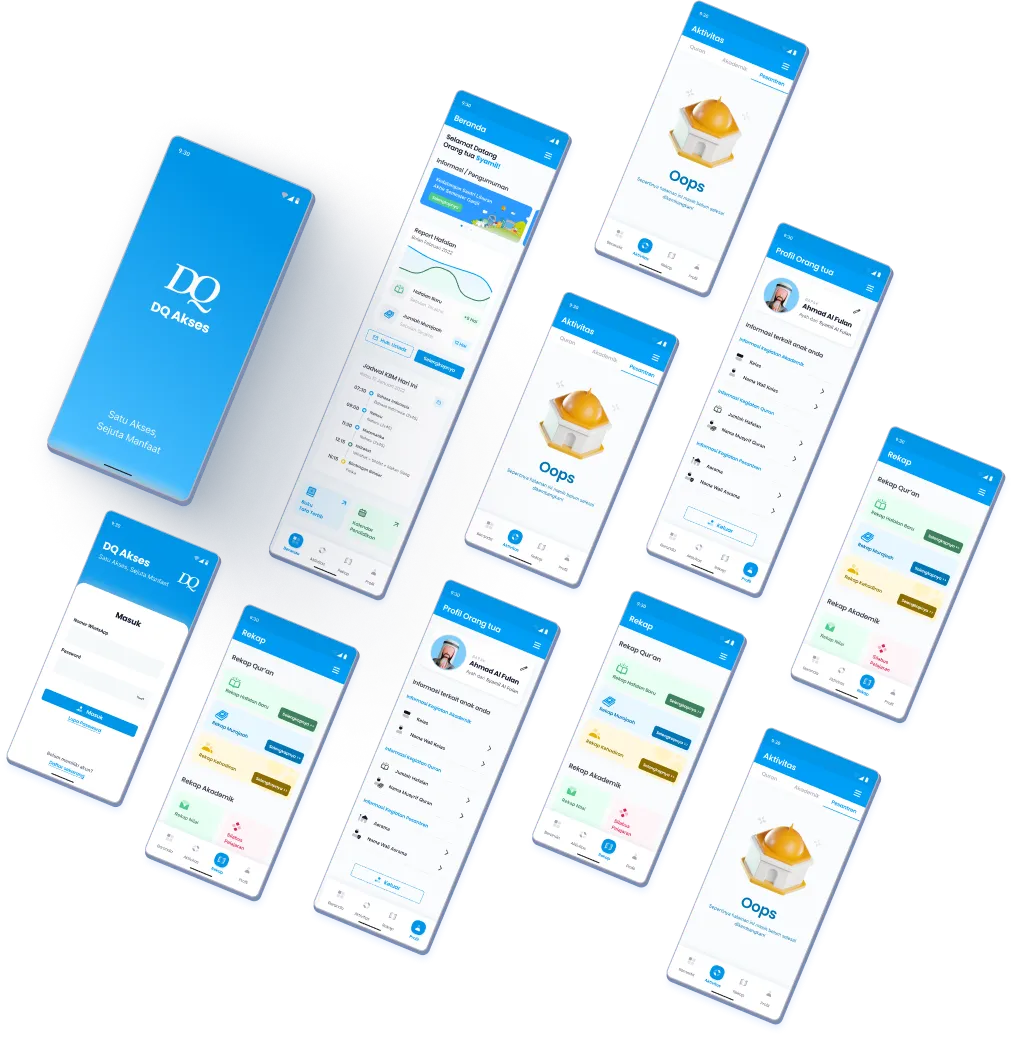


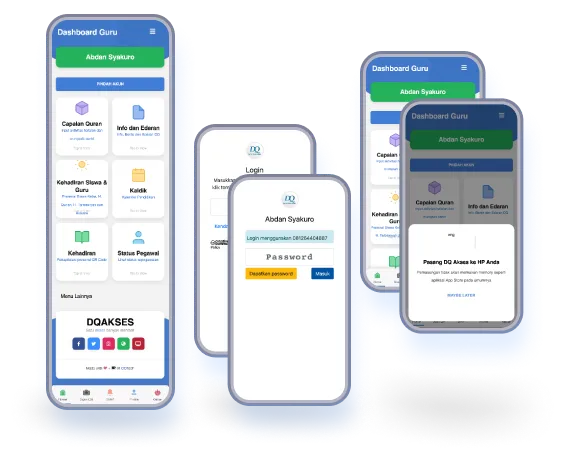

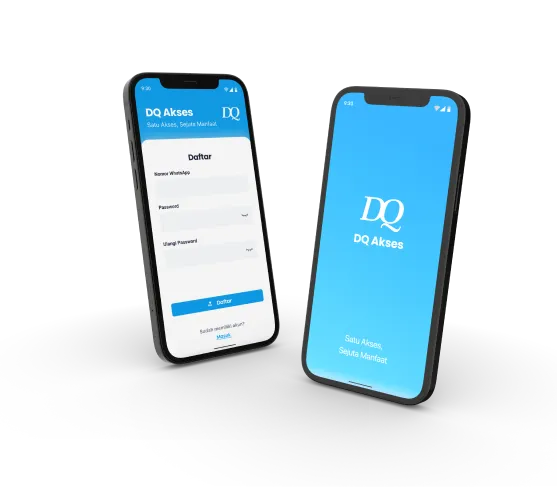

In order to create a compherensive system, the users of this application were classified into 3 roles; admin, teacher, and parent. The role that developed for specific user is from parent POV


The activity of recording and reporting system will be broaden and very wide. We limited the task only for reporting memorization progress of students from school to the parents.


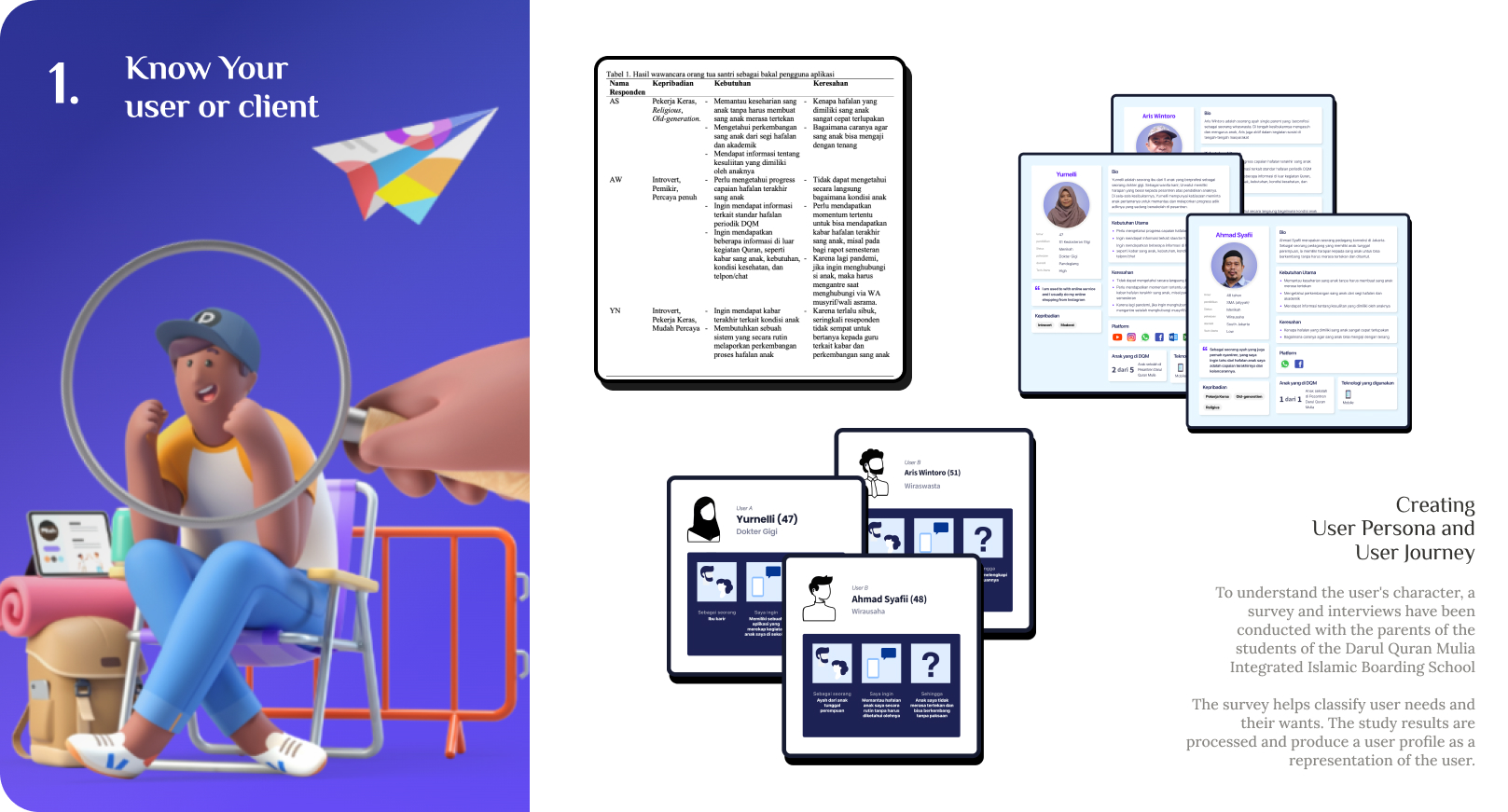
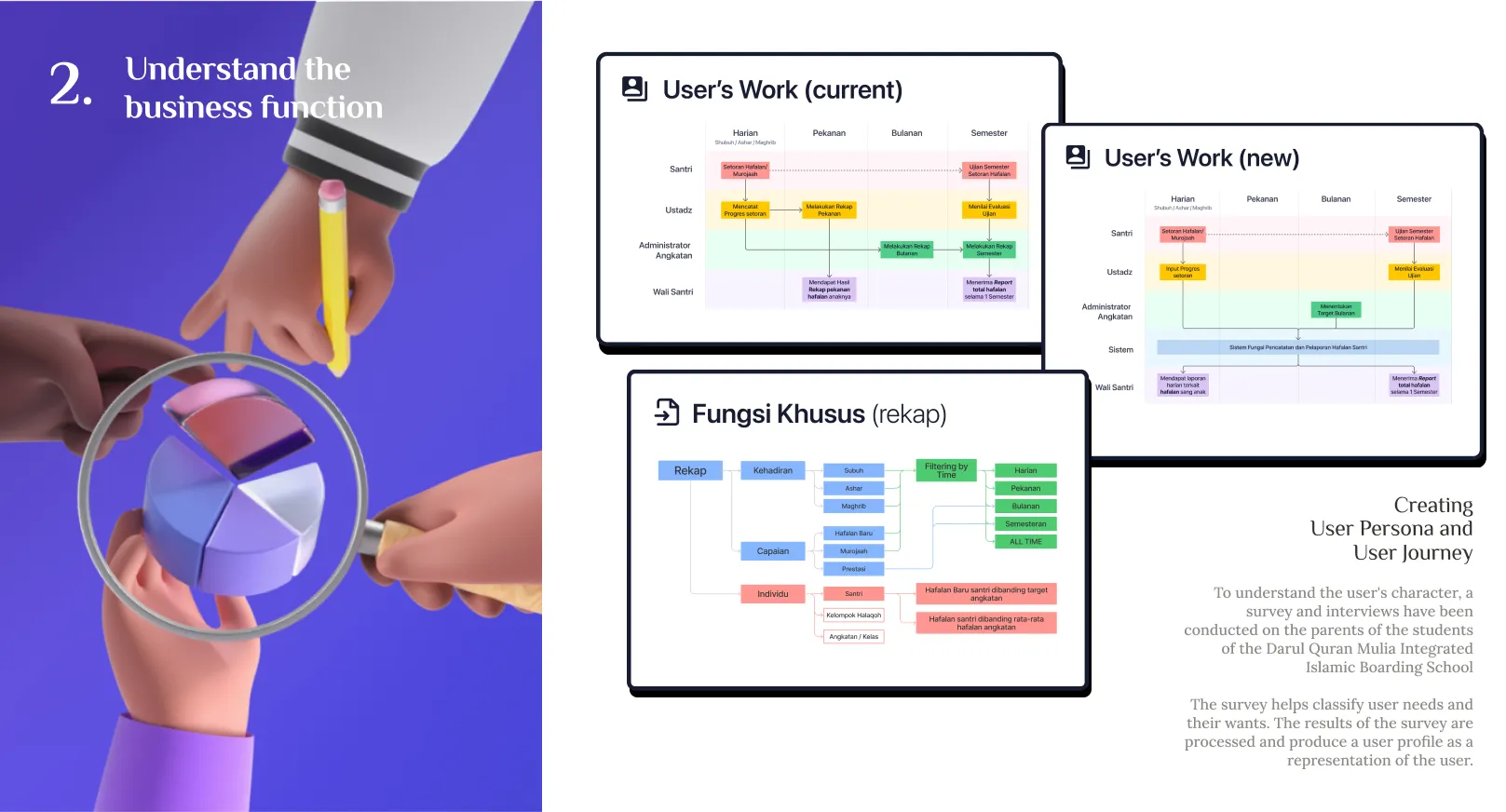
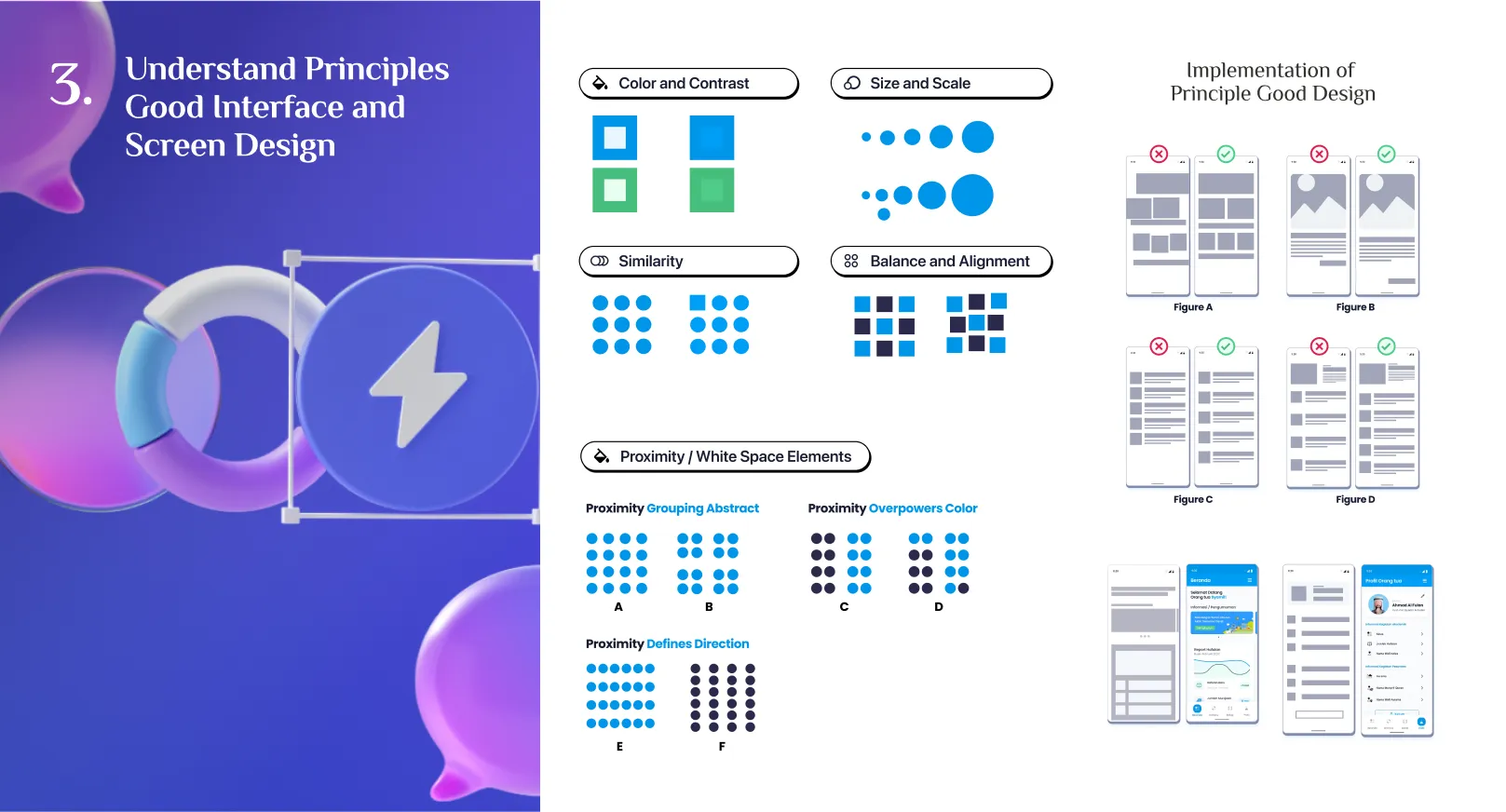
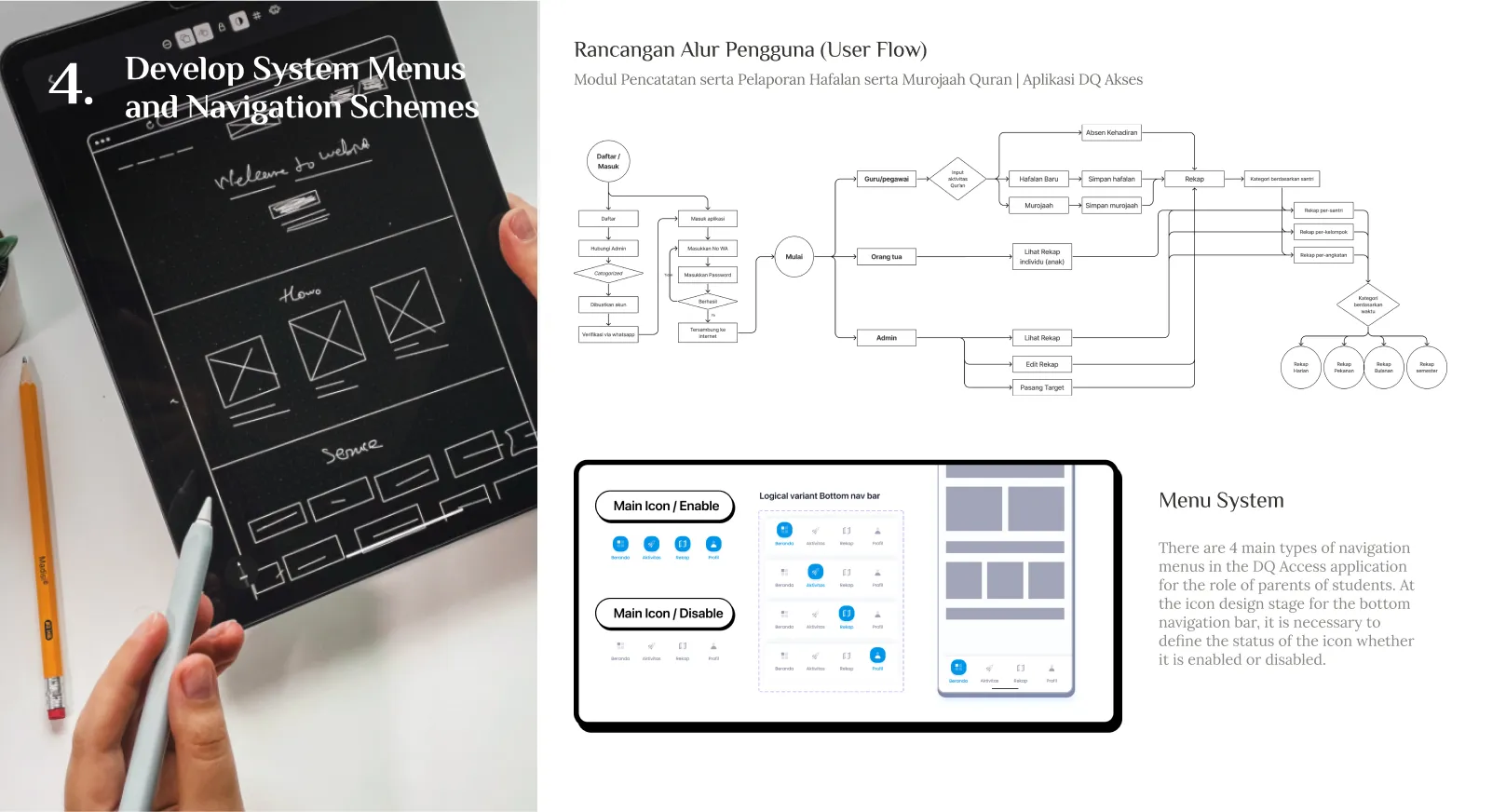
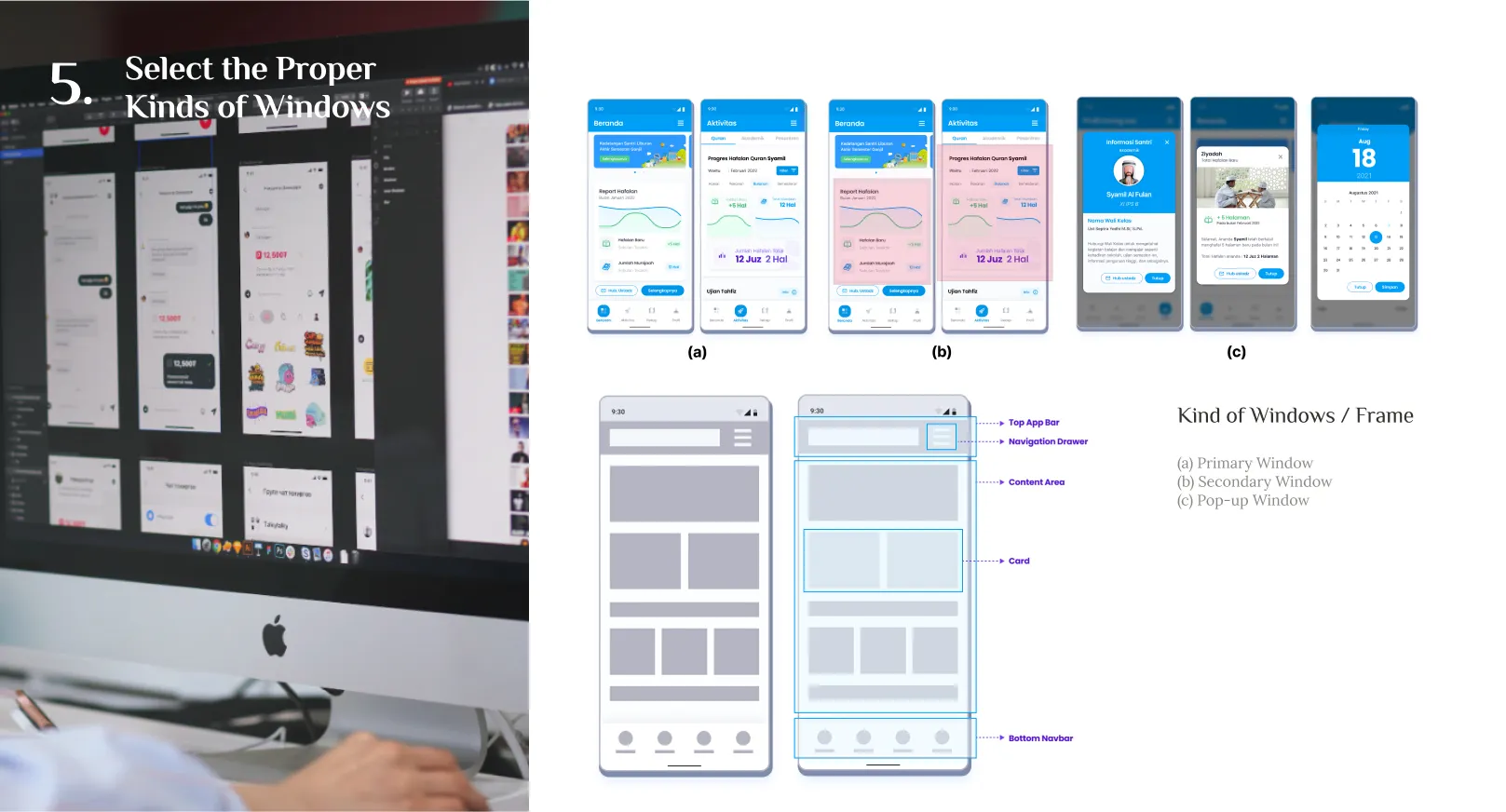
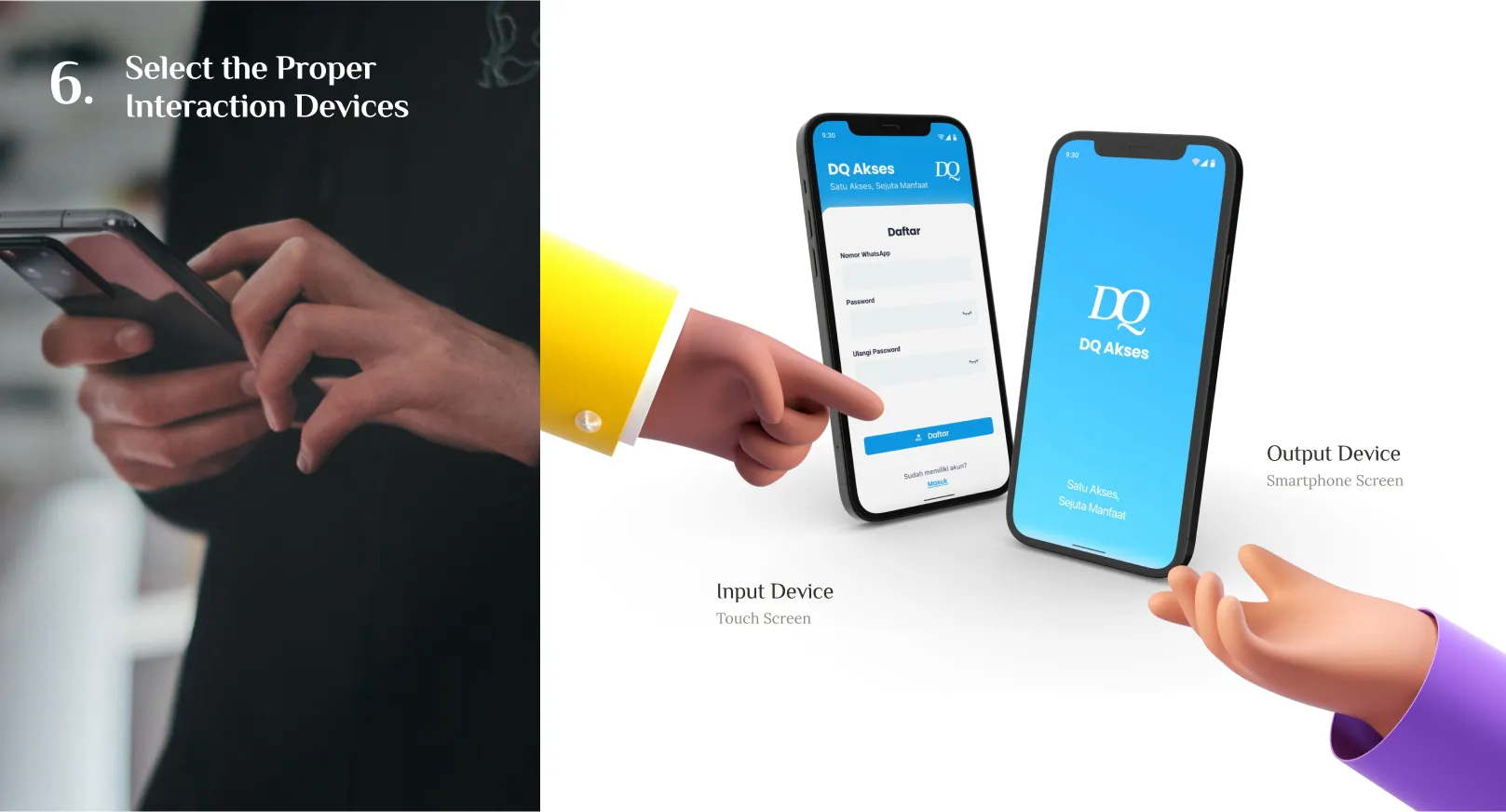
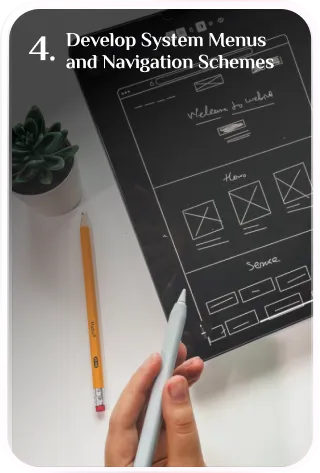
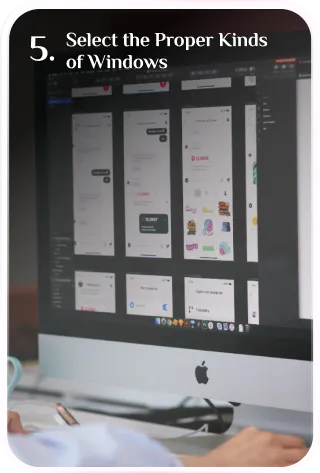
We build the design of application into 3 separated phases. Getting the designing methods from The Essential Guide to User Interface Design by Galitz, creating a well concept, researched and structured graphical mobile UI Design.
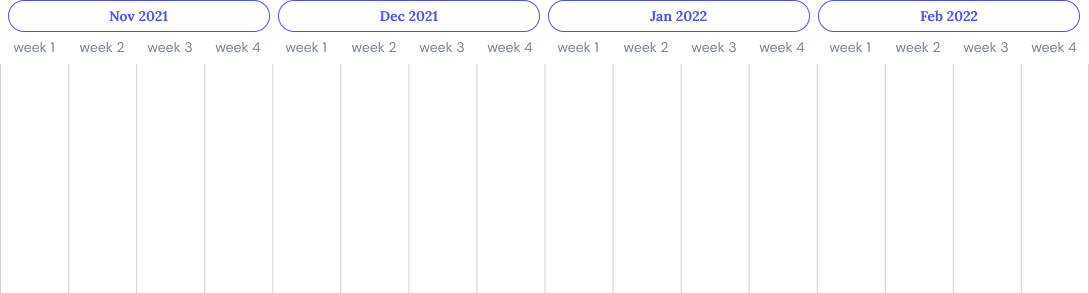



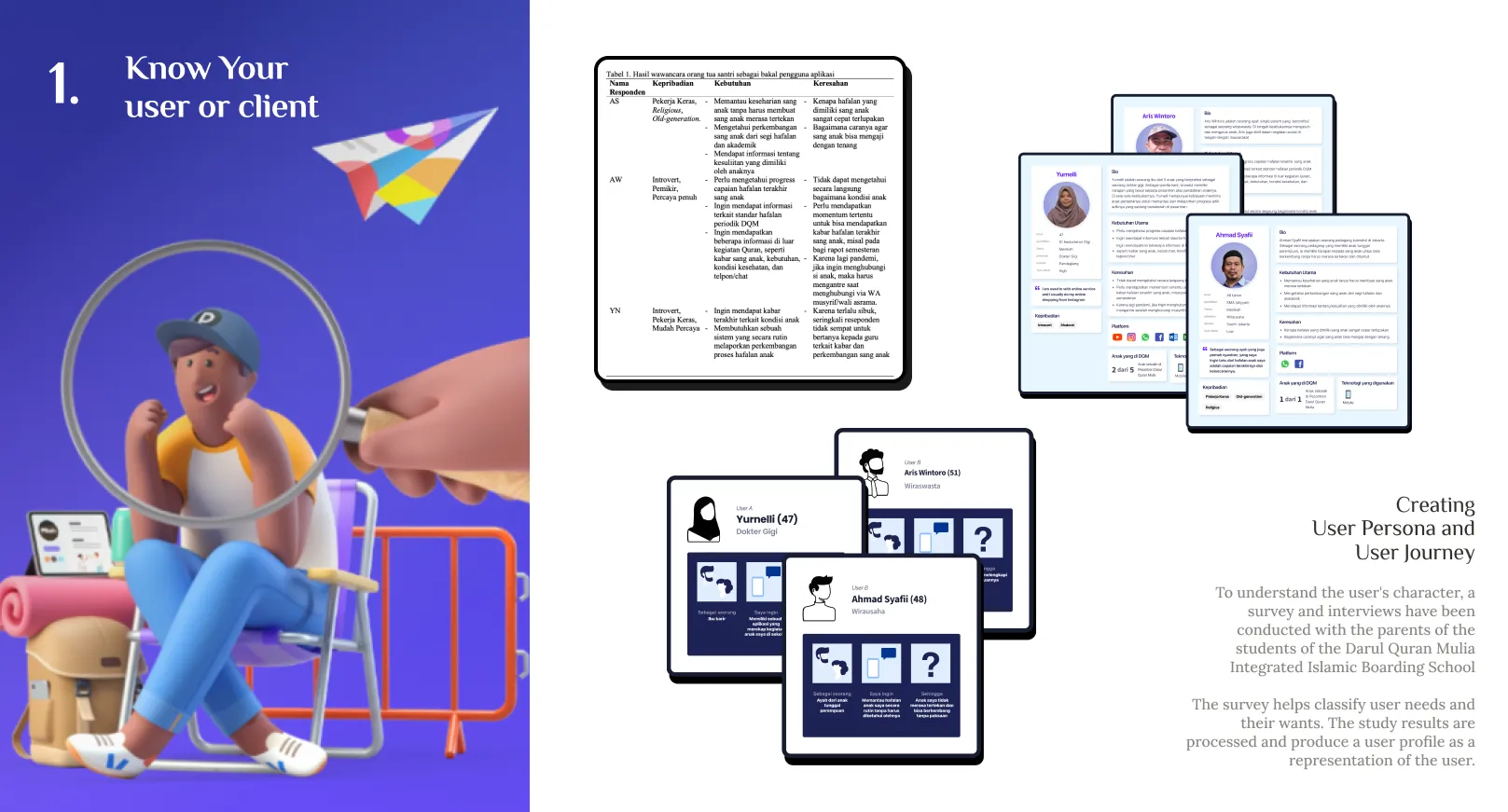
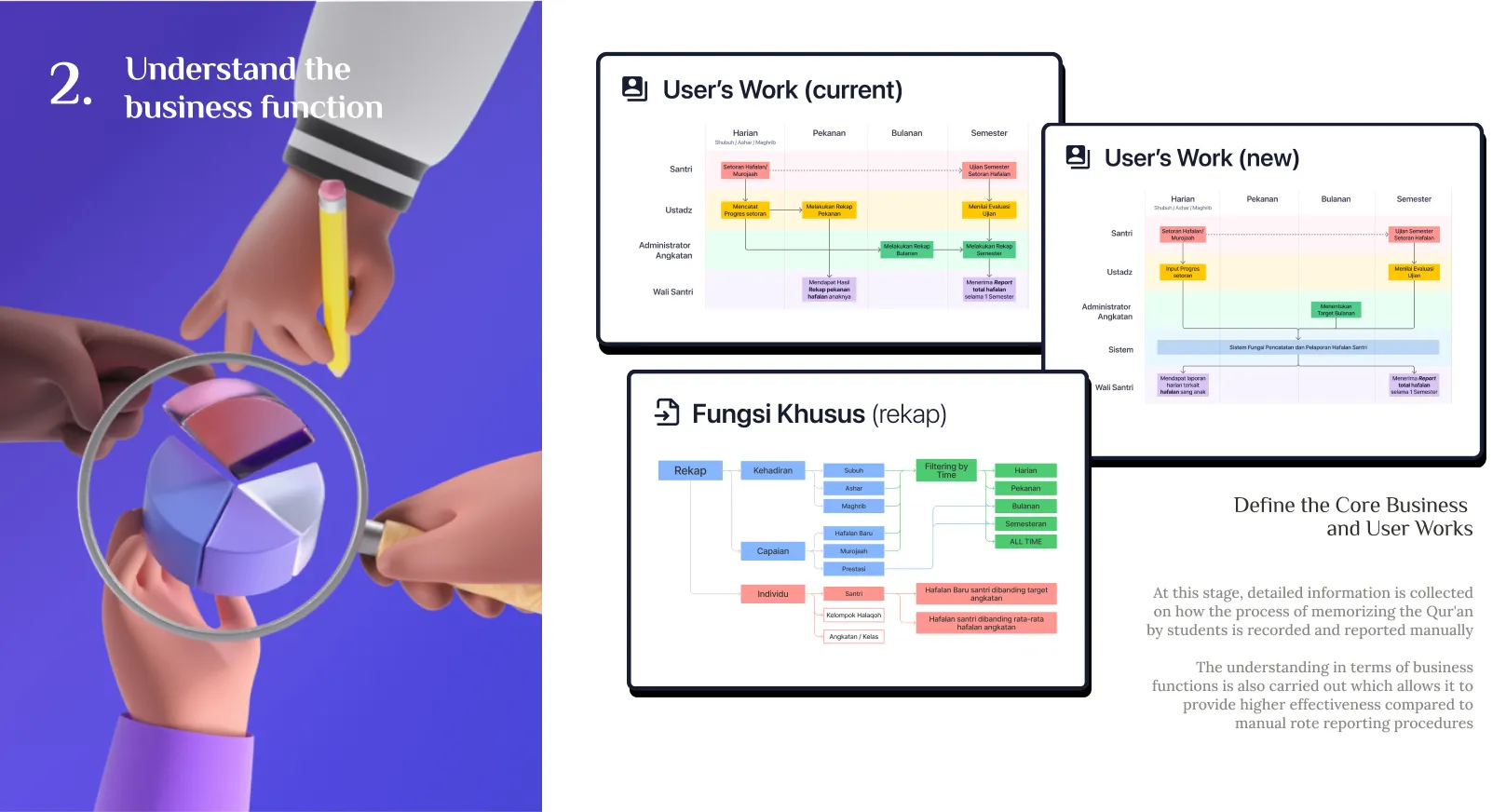
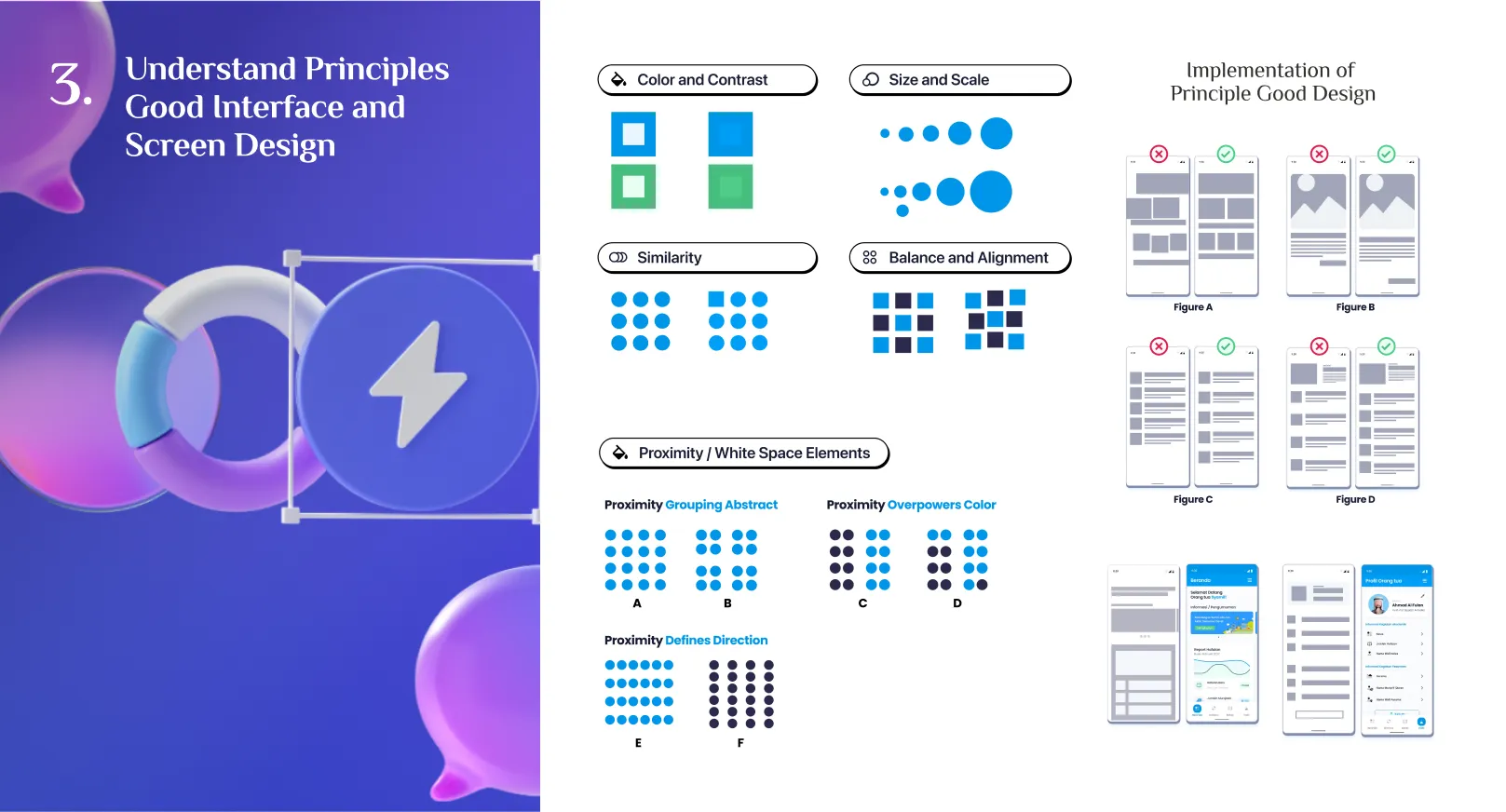
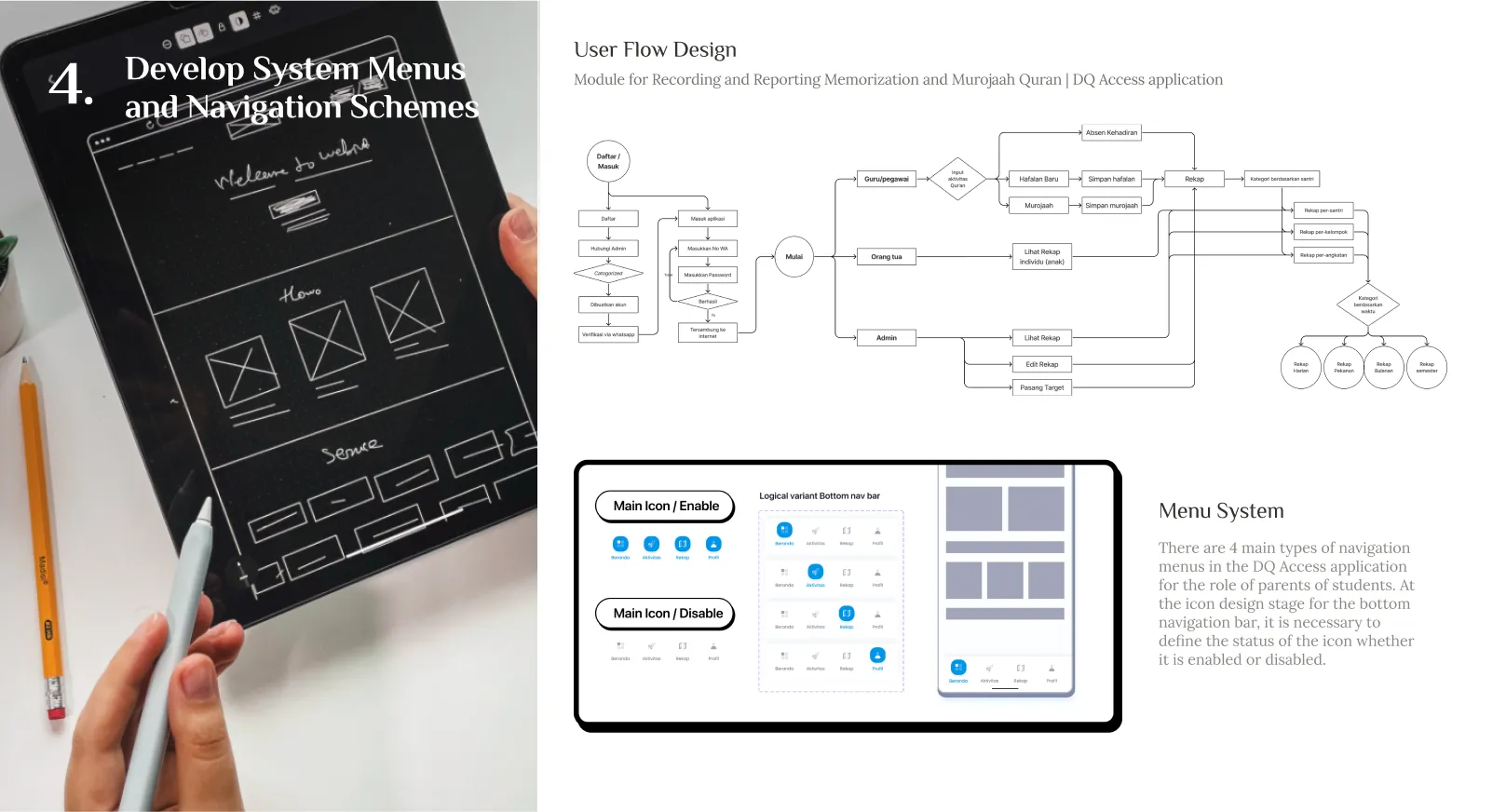
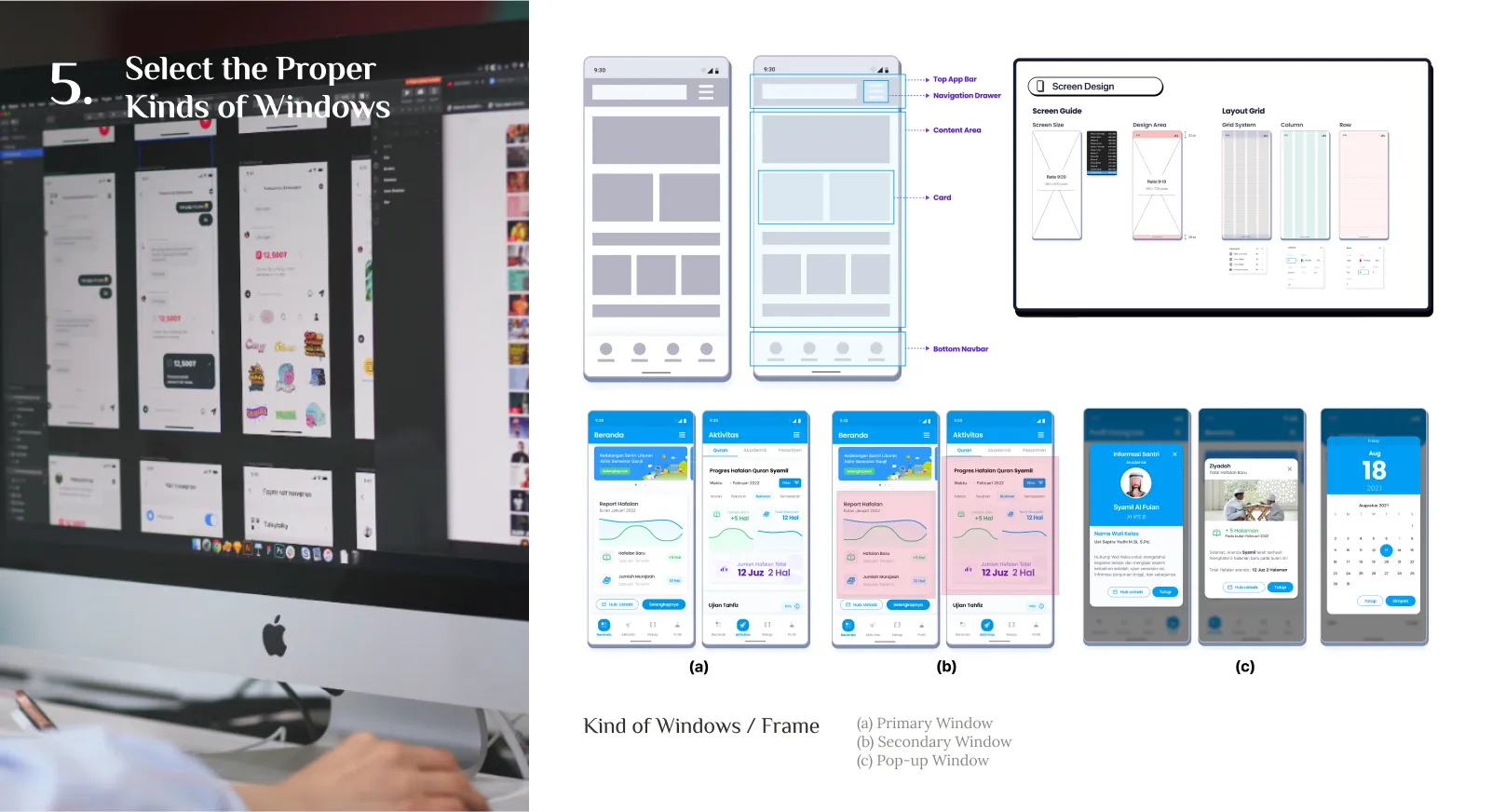
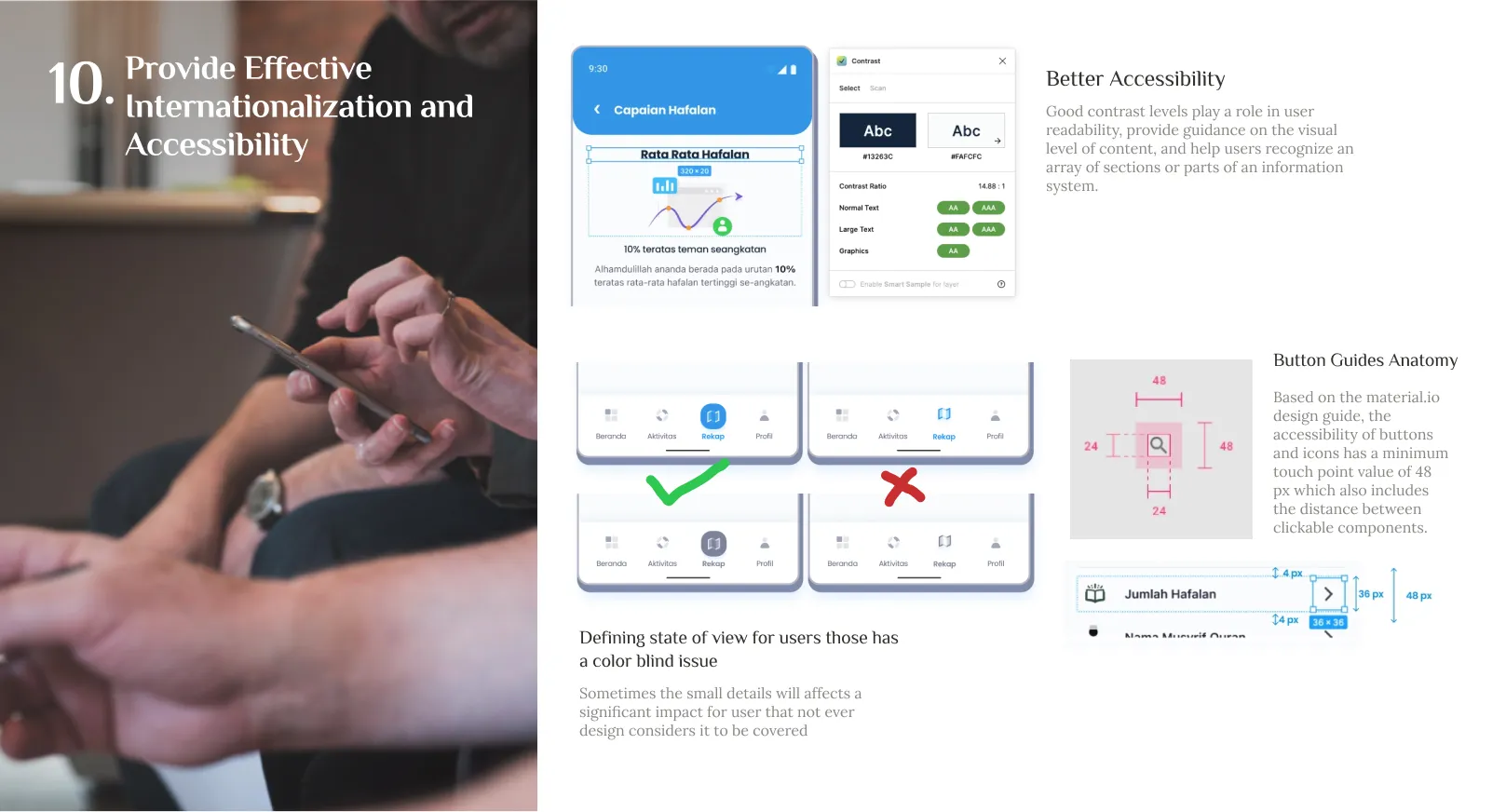
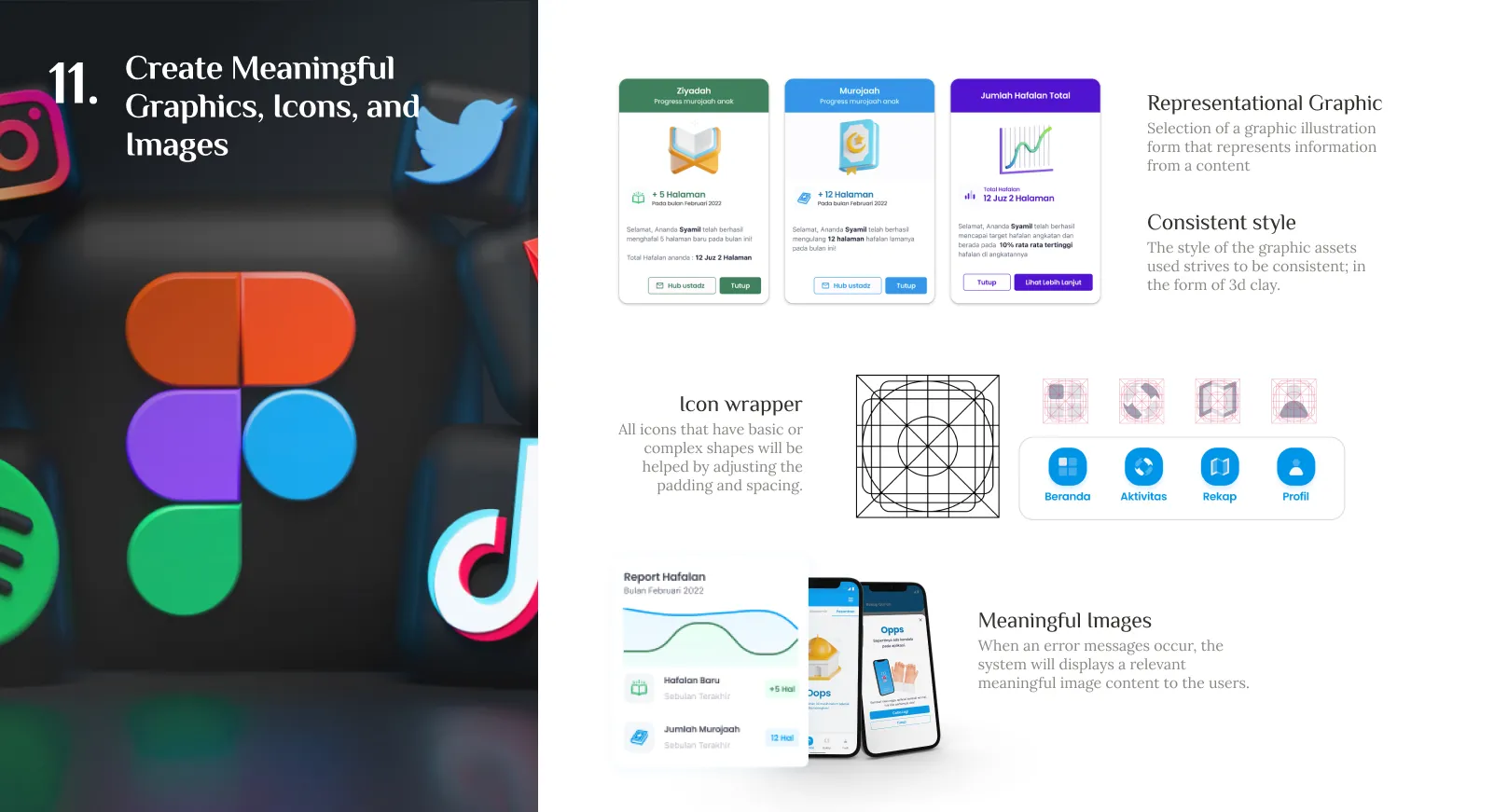
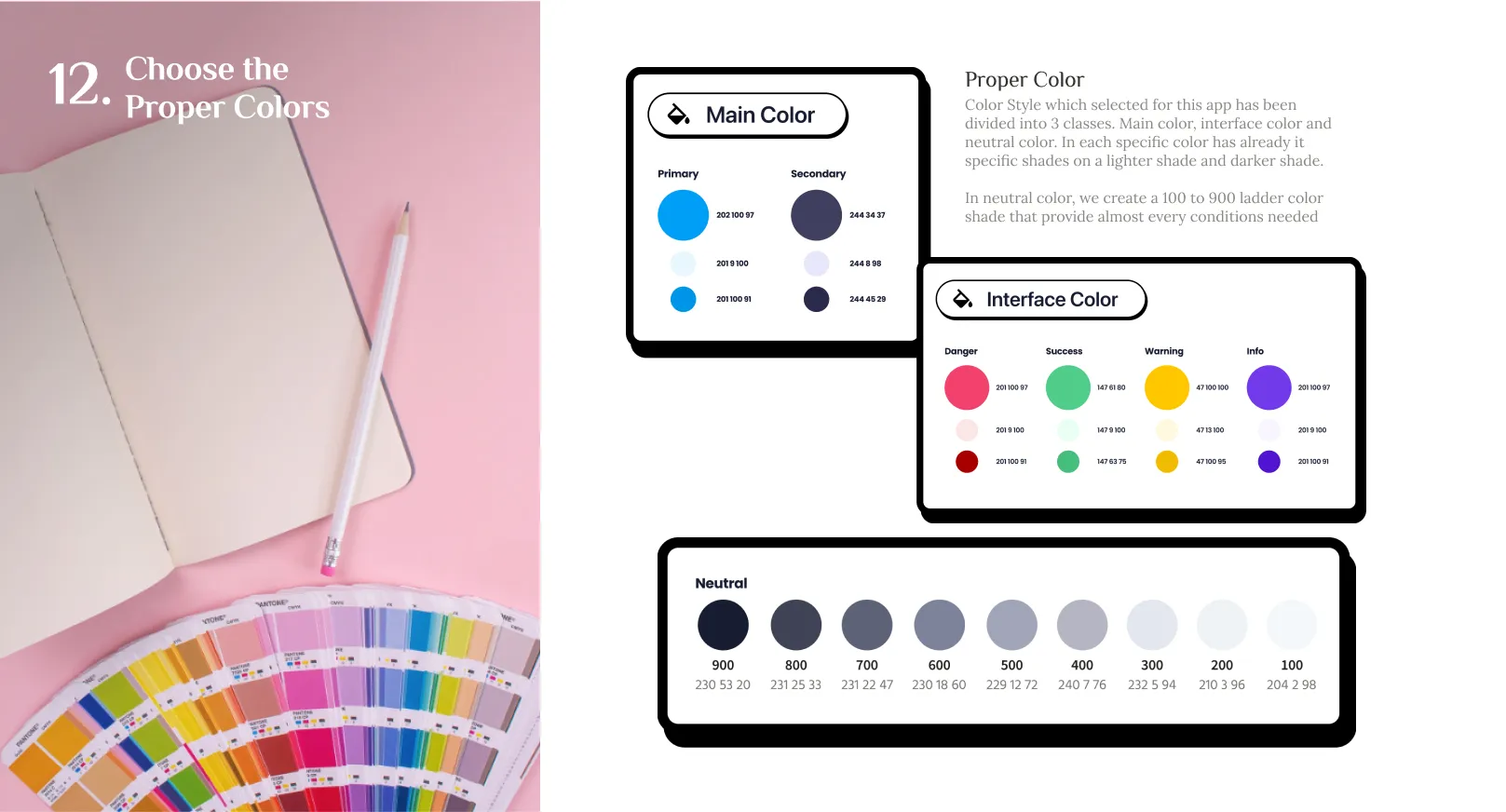
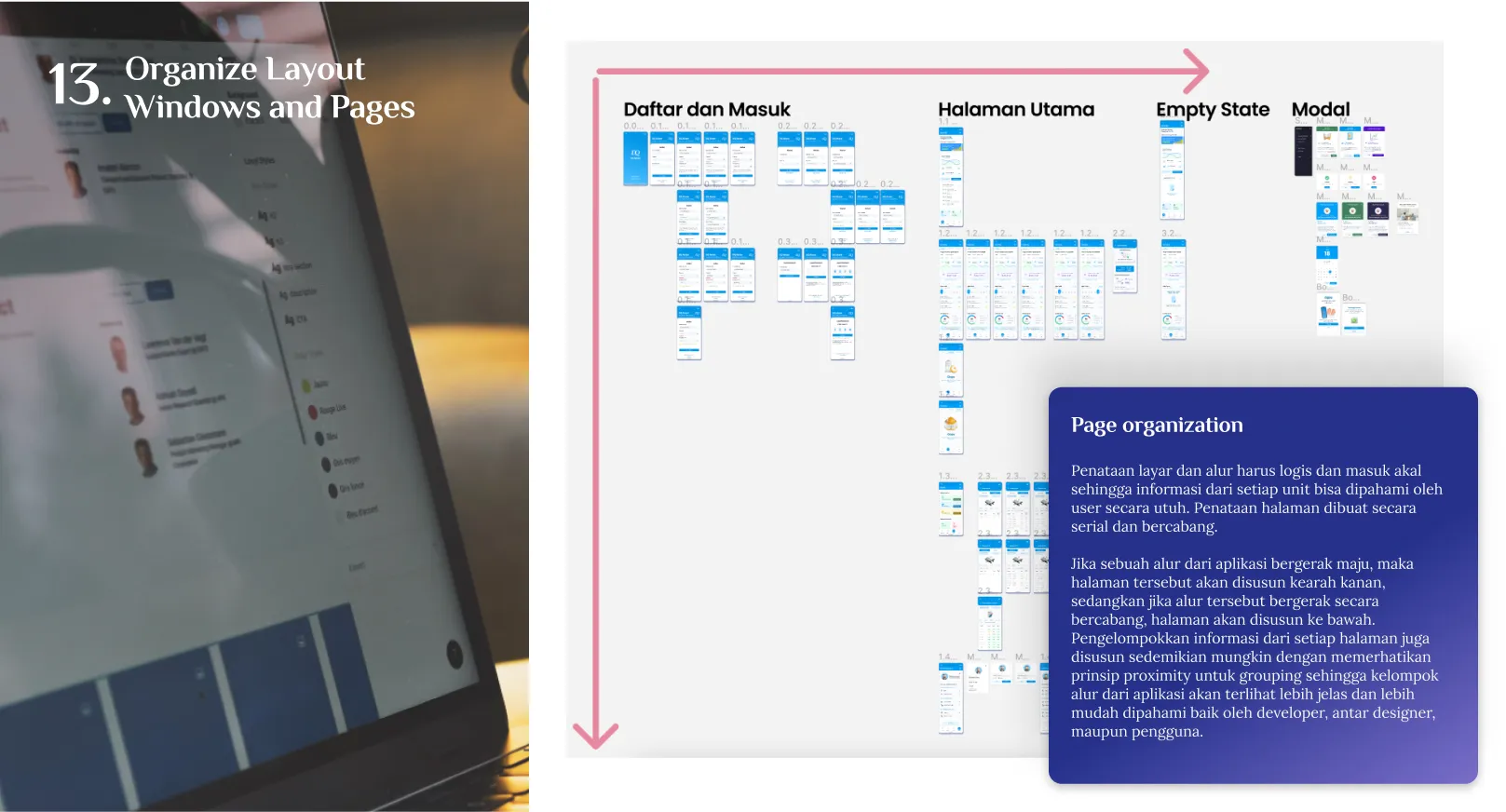
We build the design of application into 3 separated phases. Getting the designing methods from The Essential Guide to User Interface Design by Galitz, creating a well concept, researched and structured graphical mobile UI Design.
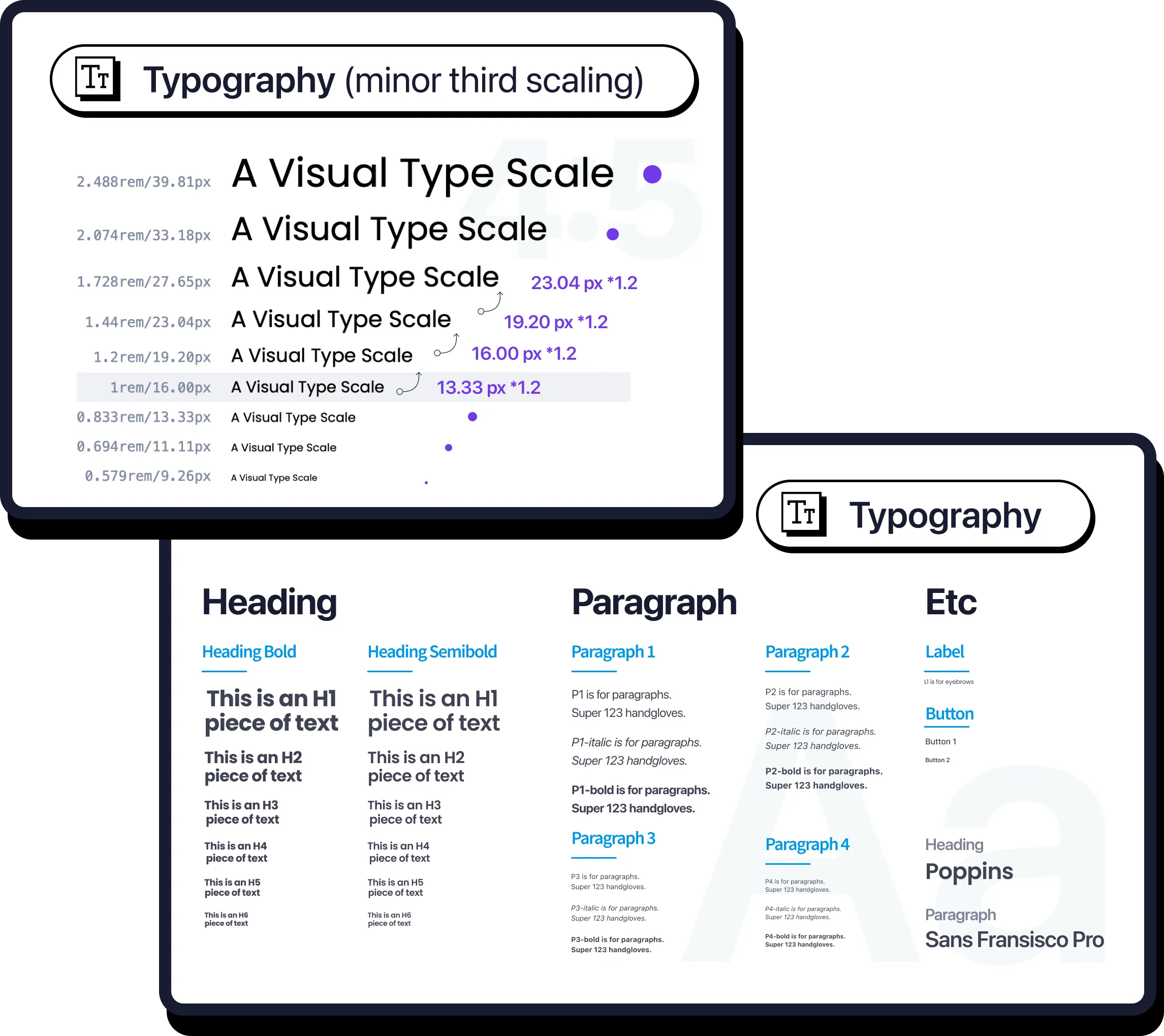
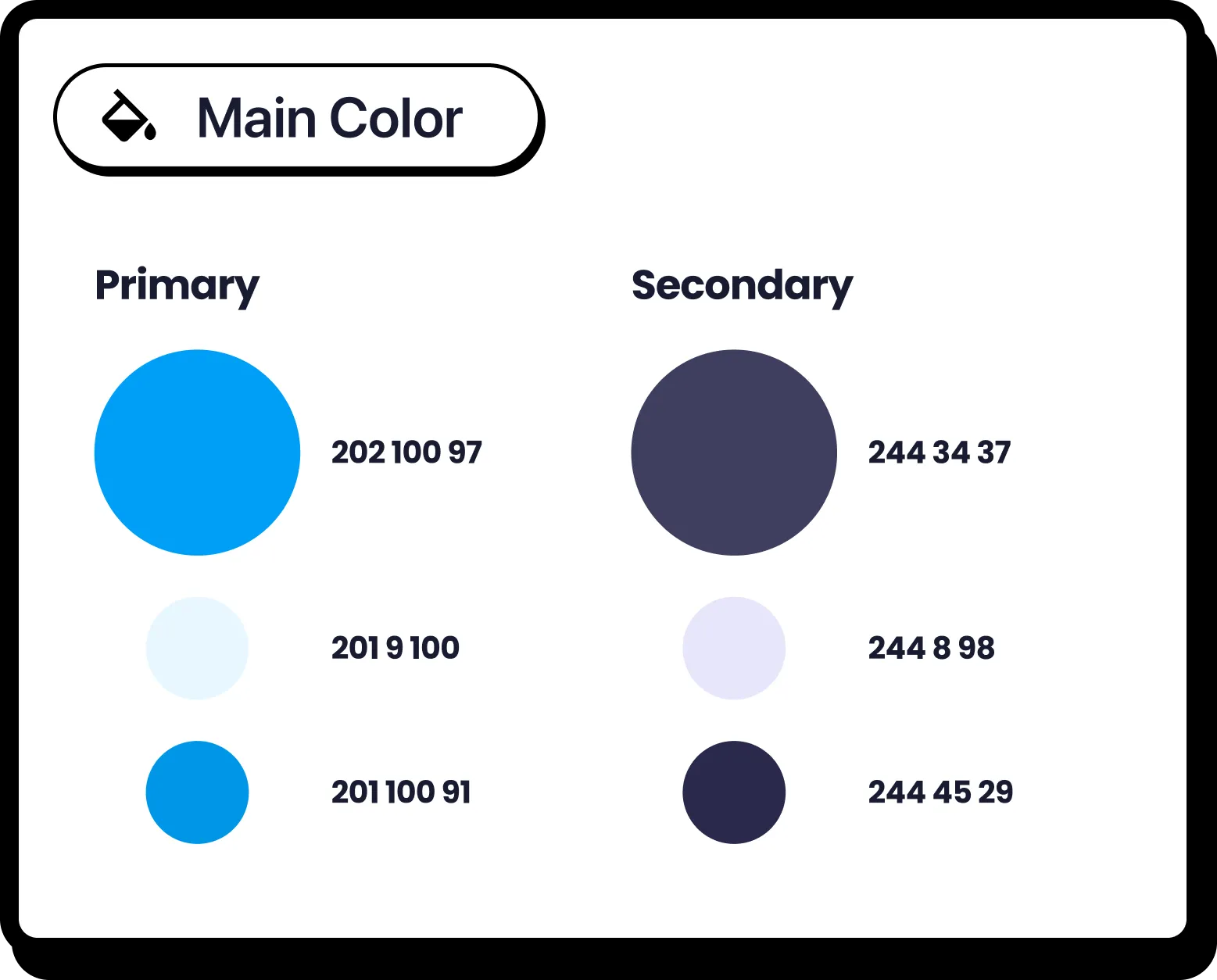






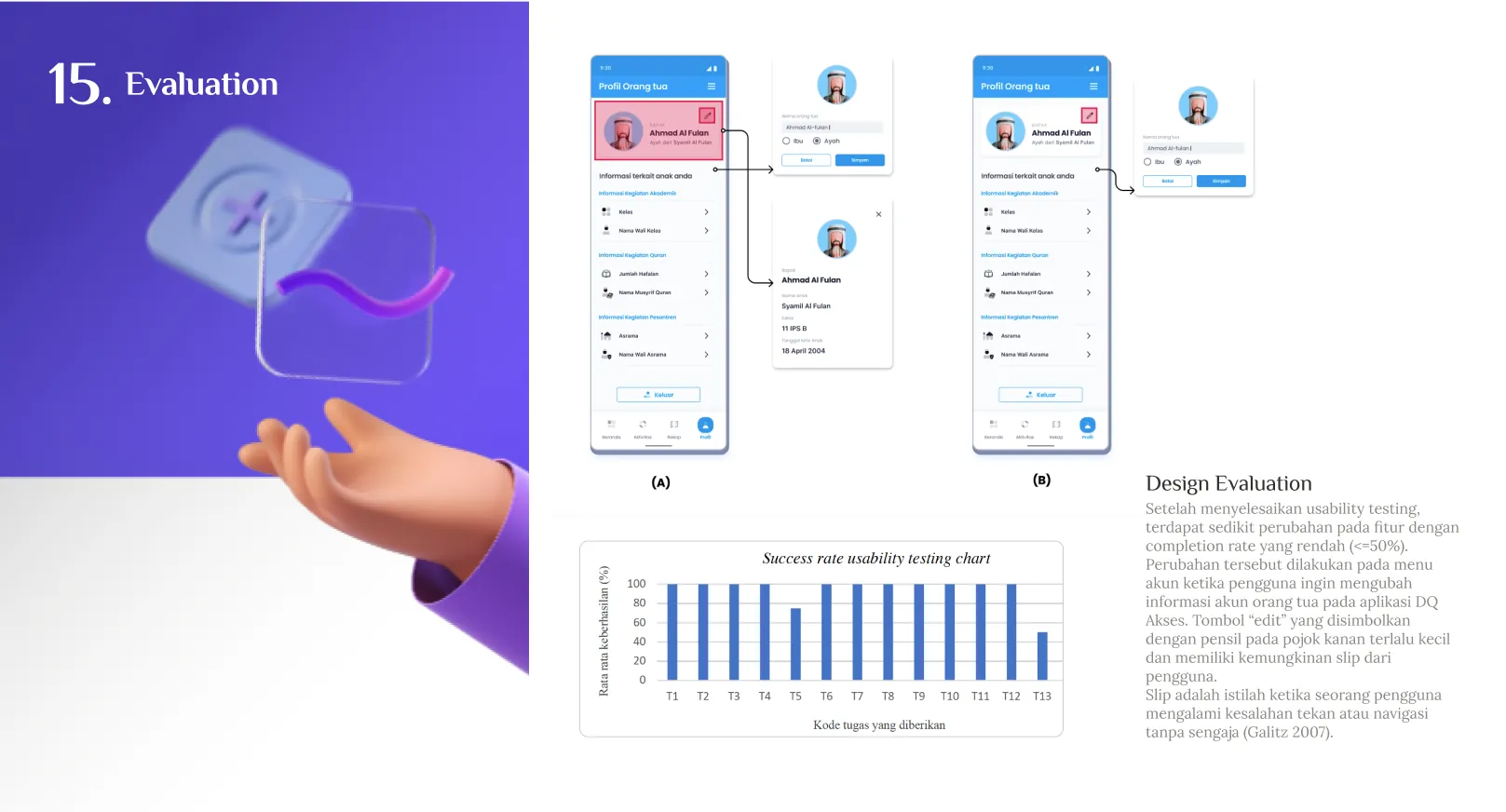
The developed design that has been researched were containing into 4 main modules of the application. Home module, Activity, Recap, and profile. The demonstration in the left is a medium fidelity of fully interaction prototyped UI design of this app.